Choose single testimonial #
When you create a new widget and choose a single widget type, you can specify the following settings:
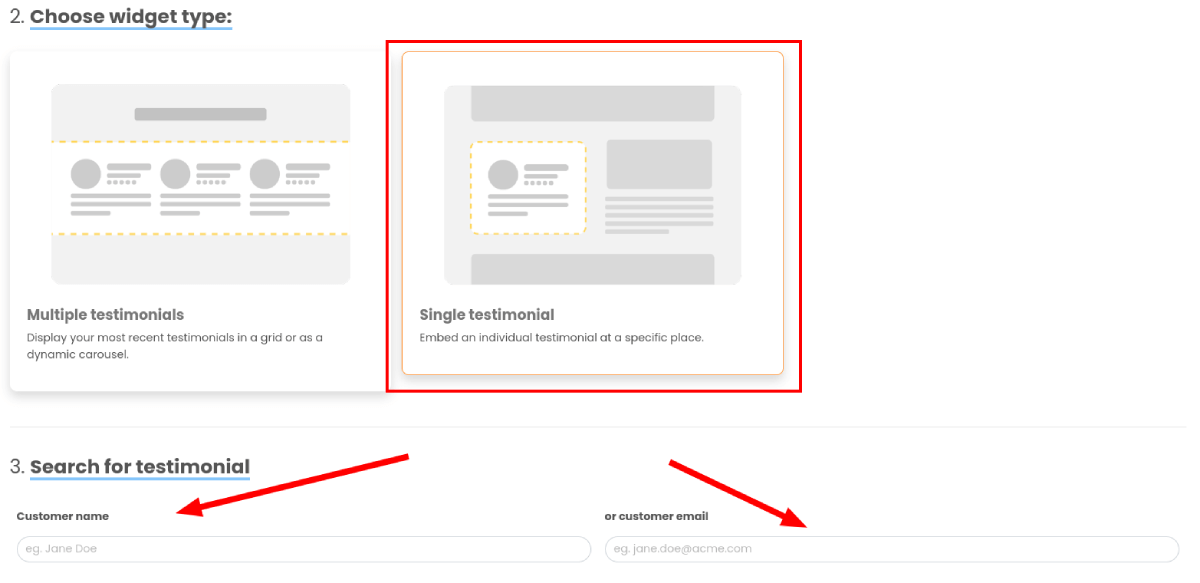
Search for testimonial #
Here is where you select the testimonial you’d like to display. Search for the testimonial using the customer’s name or email address.
When you have selected the testimonial you would like to display, you can turn on or off certain settings like source, recency or hiding company logo.
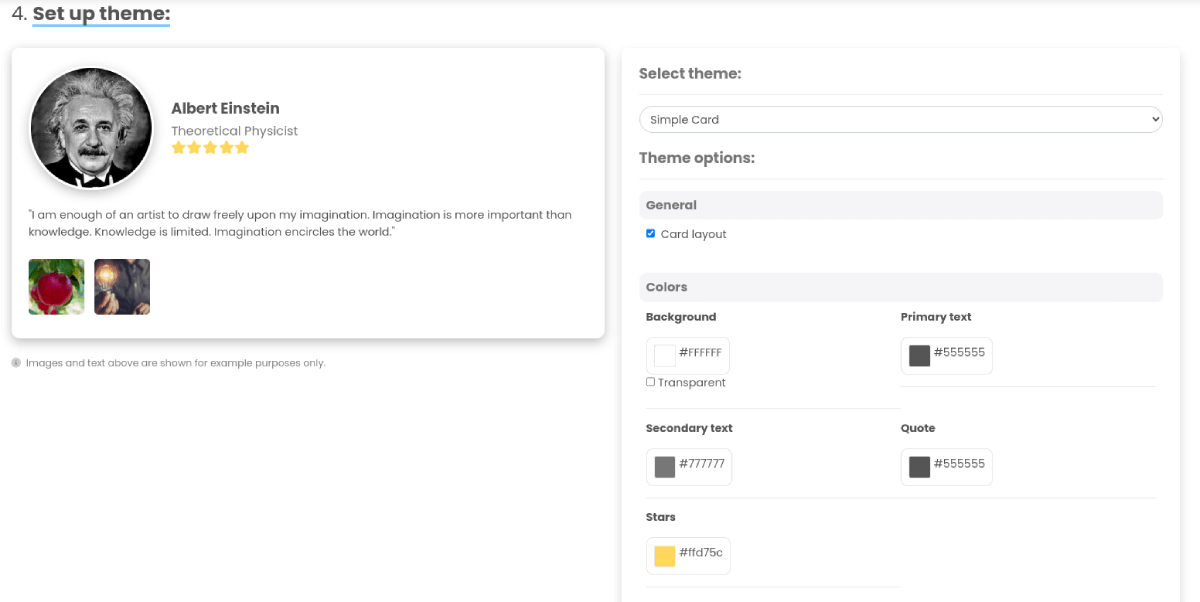
Set up theme #
Once you’ve decided which type of widget you’d like to use and chosen its settings, you can work on the look of the widget.
In this section you can select a theme for the widget from a list of options and customise the layout/colors.
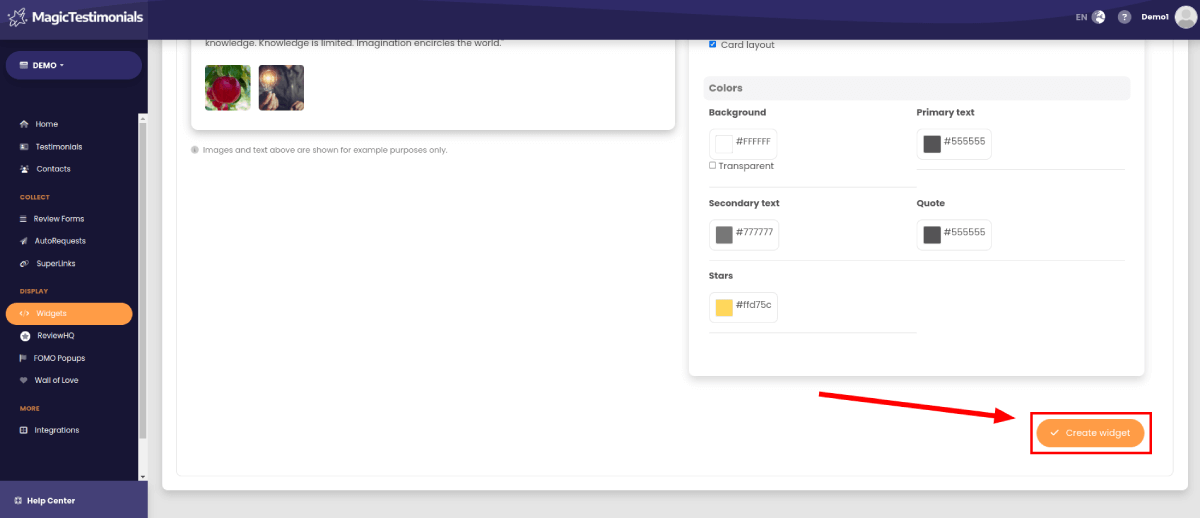
Finishing off #
Once you’re happy with the widget’s theme, click the “Create widget” button. You’ll then be taken to a page with details on how to embed the widget into your website.