
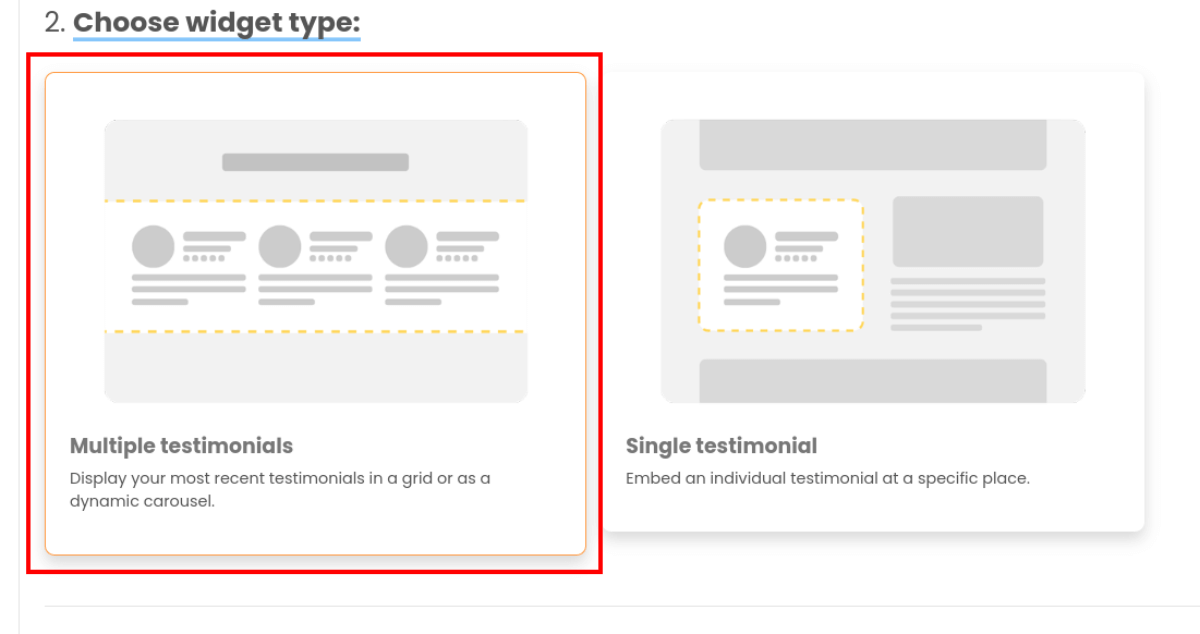
Choose multiple testimonial #
When you create a new widget and choose a testimonial widget type, you can specify the following settings:
Settings #
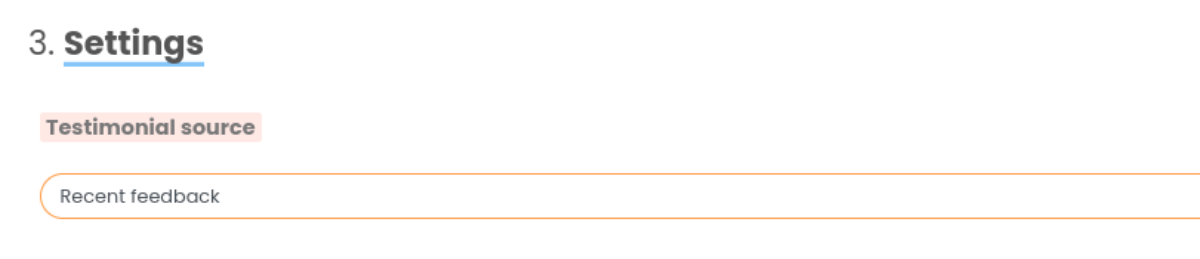
Testimonial source #
You can select either “Recent feedback”, “Chosen by you”, “Tag”, “Import source” or “Form”.
Recent feedback will pull through your latest testimonials, ordered by featured status, then by date added.
Chosen by you is exactly that — search for specific testimonials and add them to a list.
Tag will let you choose testimonials that have certain tags.
Import source lets you choose testimonials from an imported source.
Form setting will let you use testimonials from certain Review Forms.
Testimonial filtering #
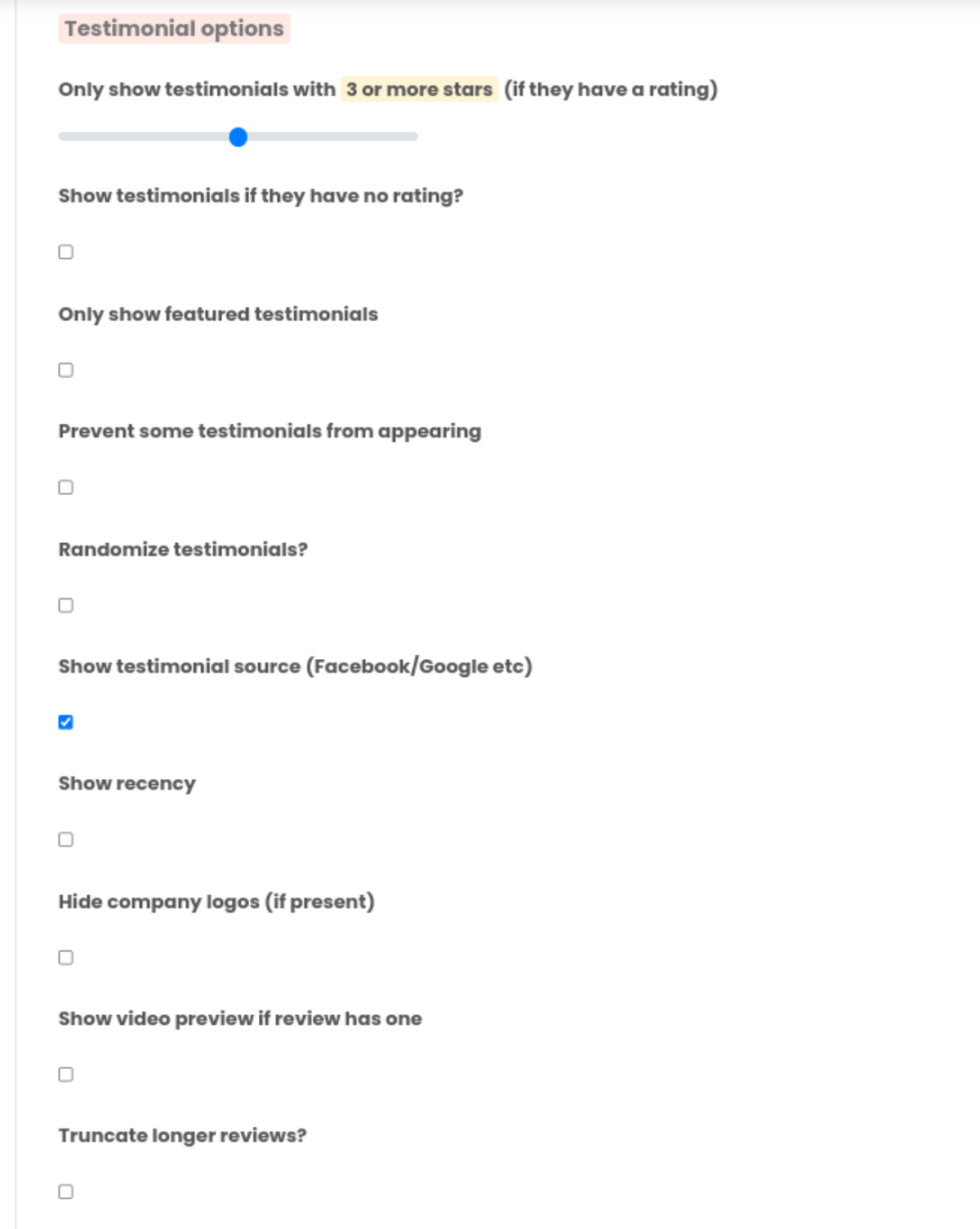
Here are a few options for filtering out unwanted testimonials, you can:
— Only show testimonials with a specific star rating or above (if they have a star rating)
— Only show featured testimonials
— Prevent some testimonials from showing: add specific testimonials to a blacklist
and many others…
Once you’re happy with your widget’s settings, you can continue setting up by selecting a widget layout type, either carousel or grid, which both carry settings of their own. View info on either type here:
Carousel widget settings
Grid widget settings


