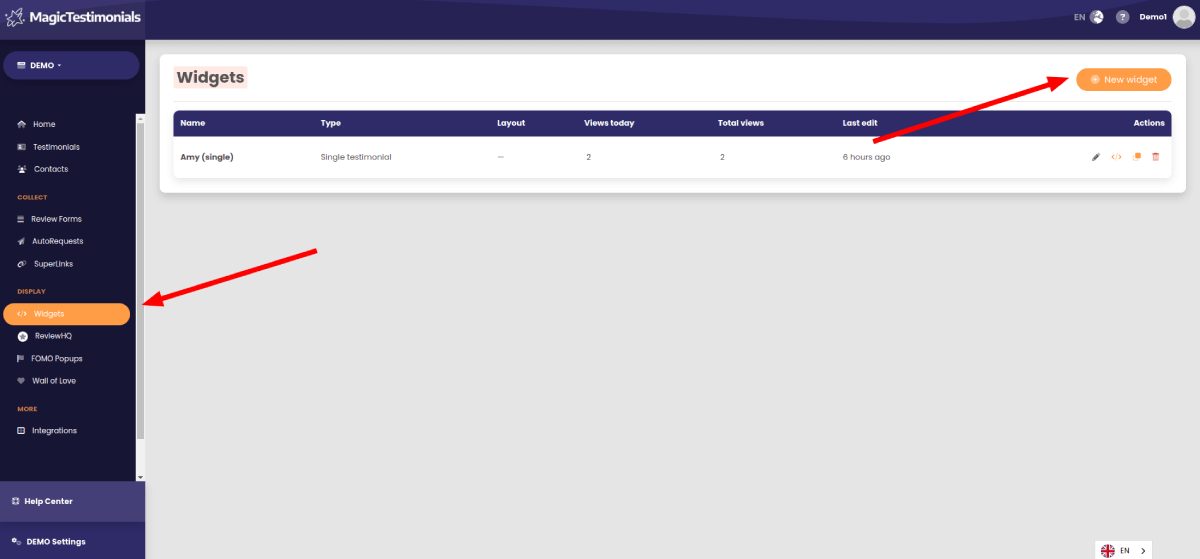
Widgets are used to display testimonials collected by Magic Testimonials Display App on your website. This guide talks you through how to set up your first one.
To create a new widget open the Widgets page and click the “New Widget” button.
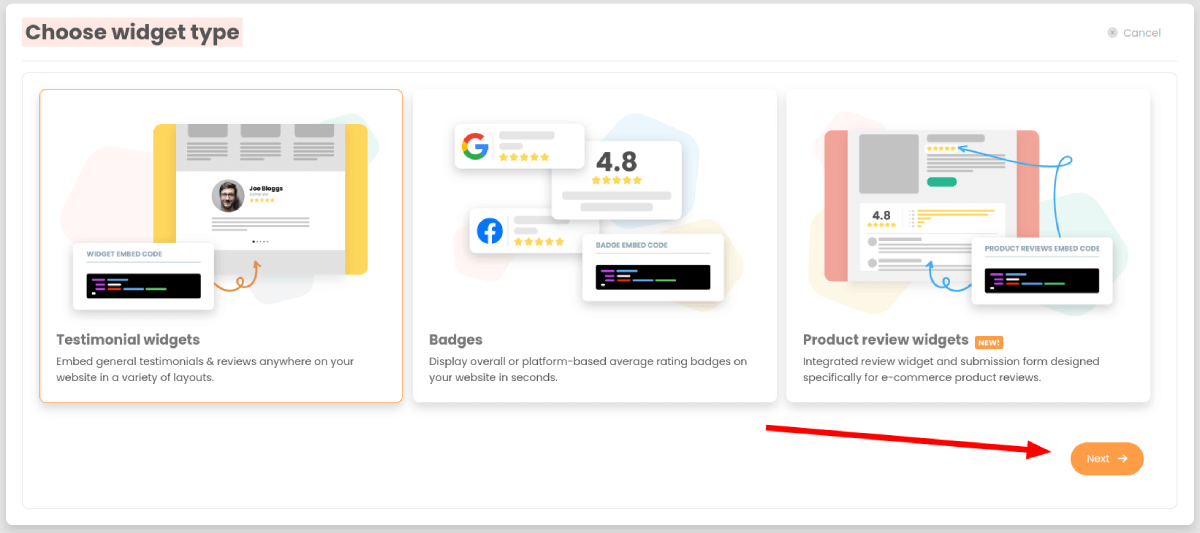
Choose widget type #
Choose if you want to create Testimonial Widget, Badges or Product review widget.
Add a new widget #
You will go through the process of adding a new widget on this page.
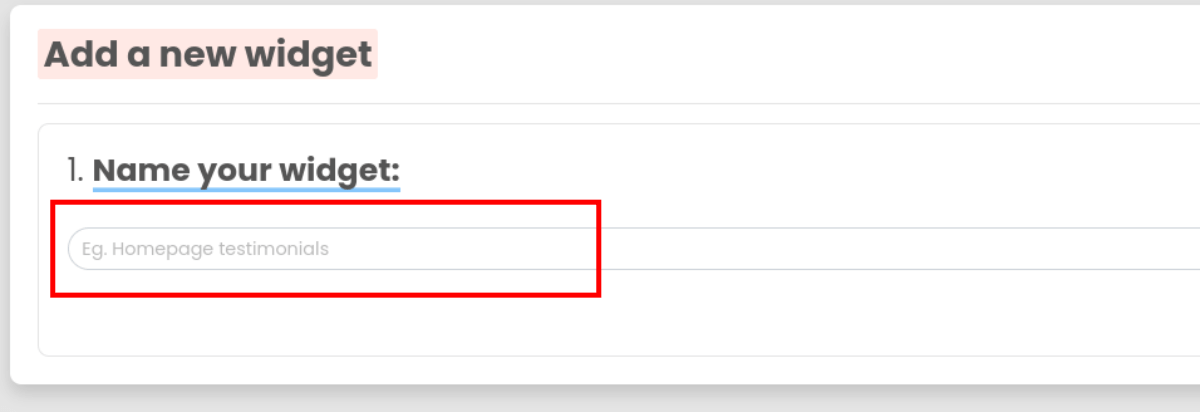
Name your widget #
Add a name for your widget.
Choose widget type #
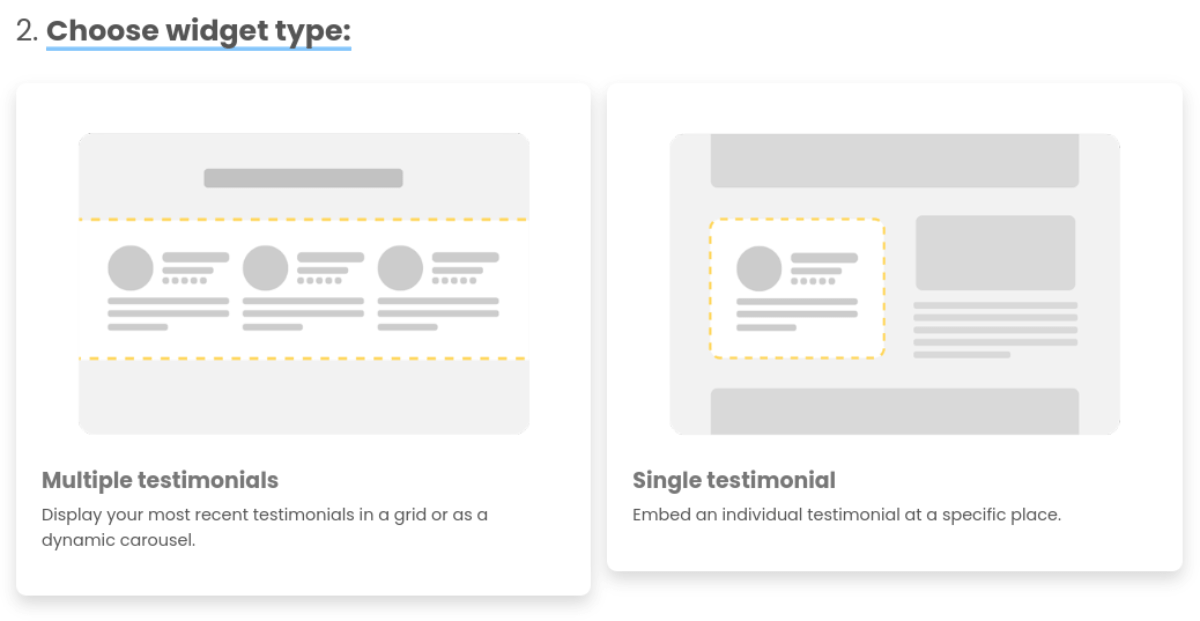
Choose a widget type. The options are multiple testimonials or single testimonial.
Single testimonial widgets are great for when you have an individual testimonial in mind that you’d like to embed somewhere on your website.
Multiple testimonials widgets are used most of the time. They allow you to embed up to 30 testimonials in a carousel or grid layout.
Widget settings #
Both multiple and single widget types allow you to customise their appearance with various settings. Head to either section for more information on those:
Single testimonial widget settings
Multiple testimonial widget settings
Set up theme #
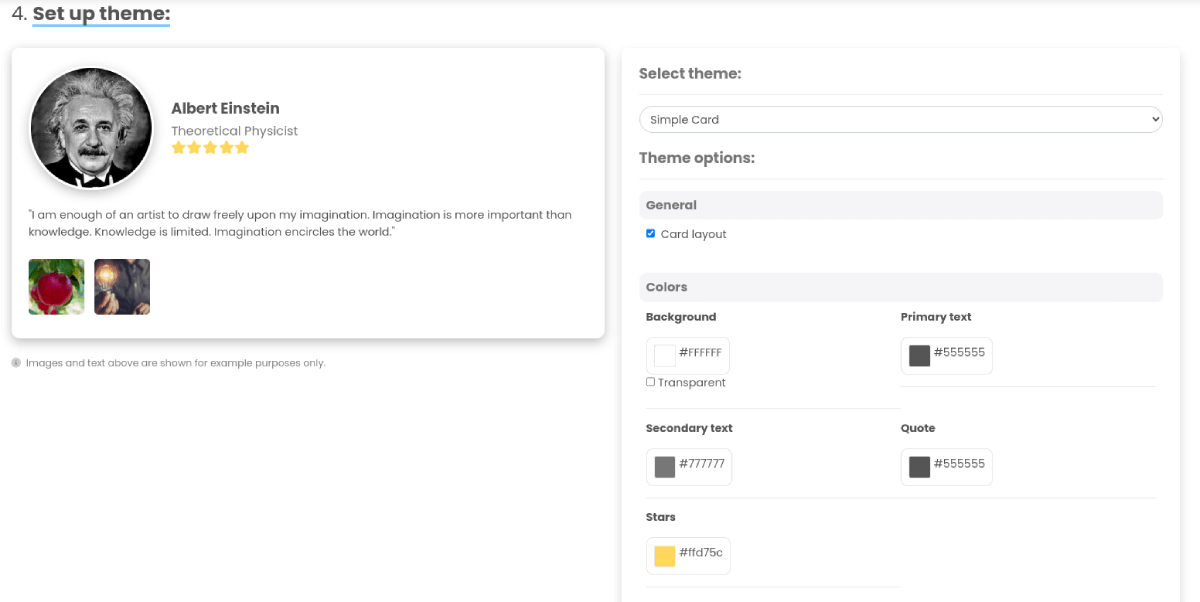
Once you’ve decided which type of widget you’d like to use and chosen its settings, you can work on the look of the widget.
In this section you can select a theme for the widget from a list of options and customise the layout/colors.
Finishing off #
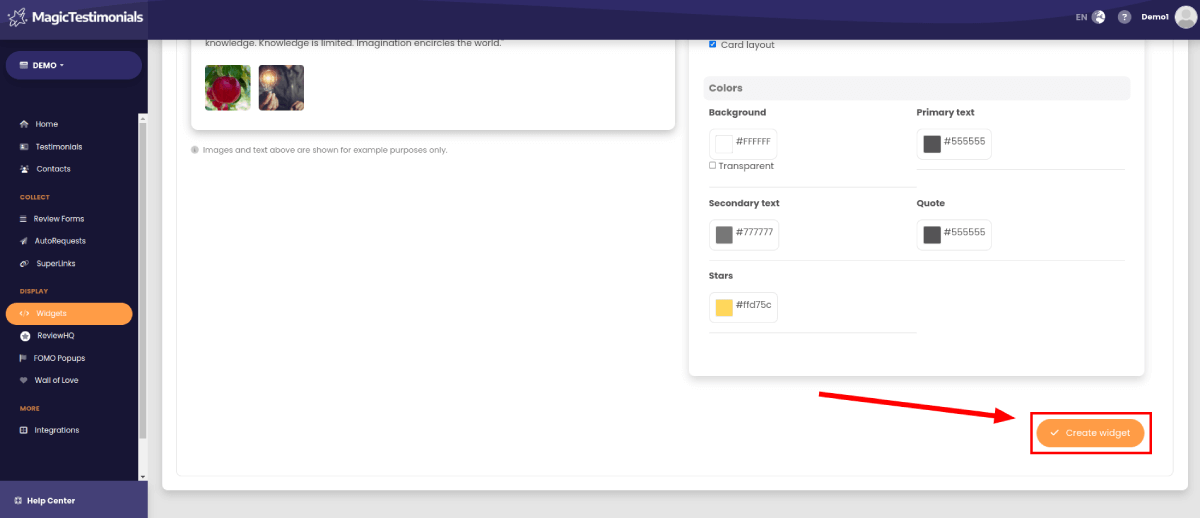
Once you’re happy with the widget’s theme, click the “Create widget” button. You’ll then be taken to a page with details on how to embed the widget into your website.