
Importing existing testimonials into Magic Testimonials Display App couldn’t be easier. A powerful way of doing that is via an integration with Facebook Pages. This guide talks you through how it works.
Step 1 – Start the import #
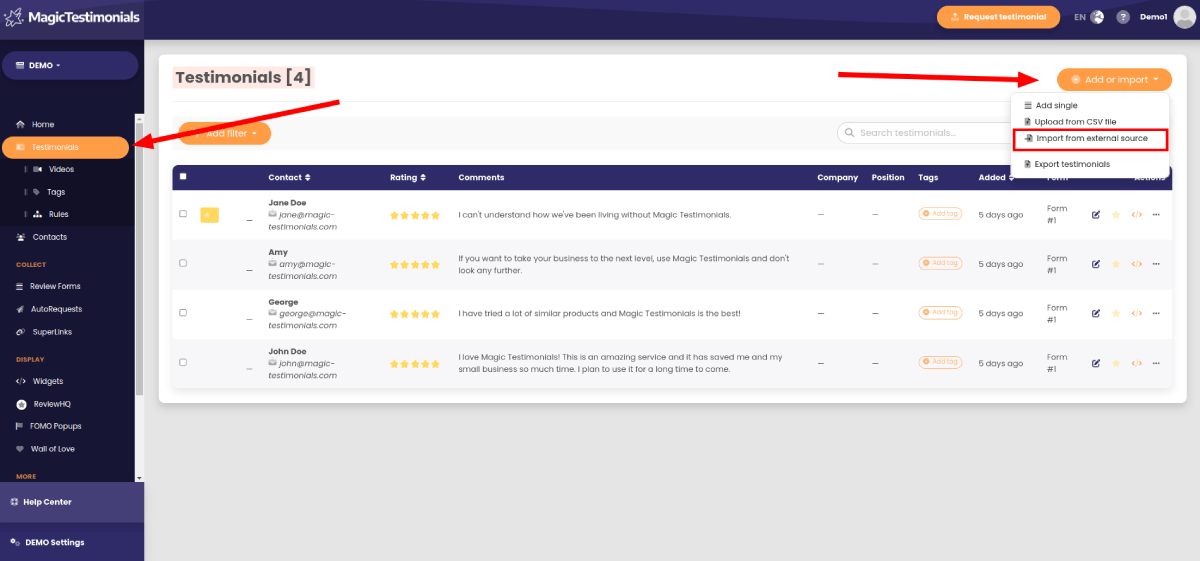
Firstly, head to Import from Facebook page. You can reach this page by clicking on the “Add or import” button on the testimonials page.
Step 2 – Sign in to your Facebook account #
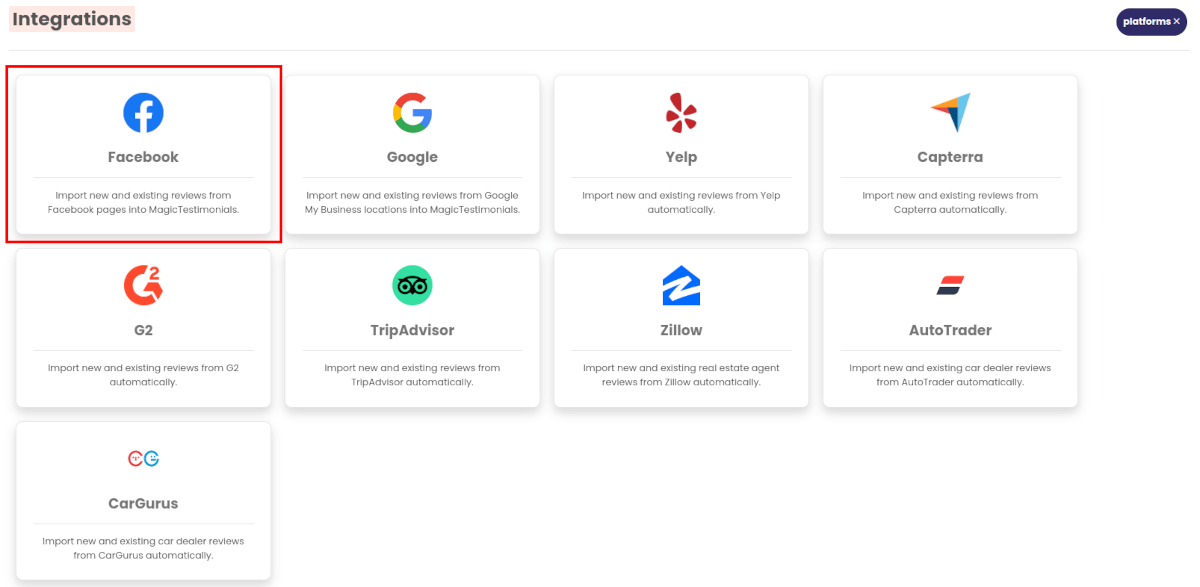
Select Facebook as import source and log into your account.
Step 3 – Select your page #
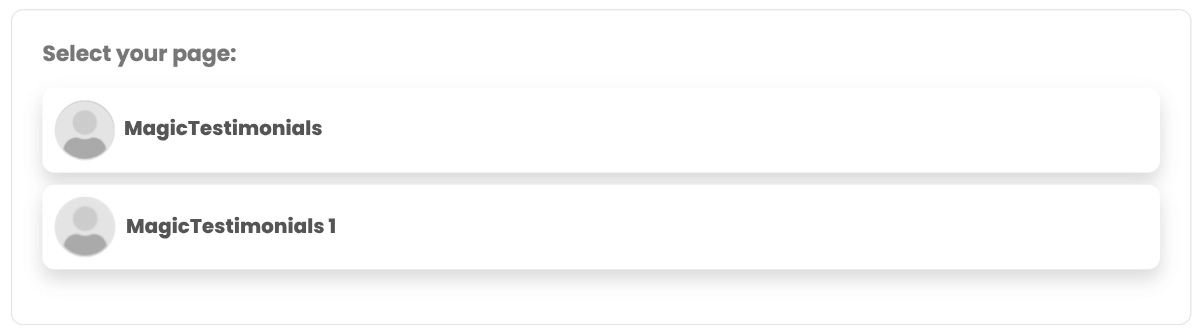
Simply choose the Facebook page for which you’d like to import reviews.
Step 3: Import settings #
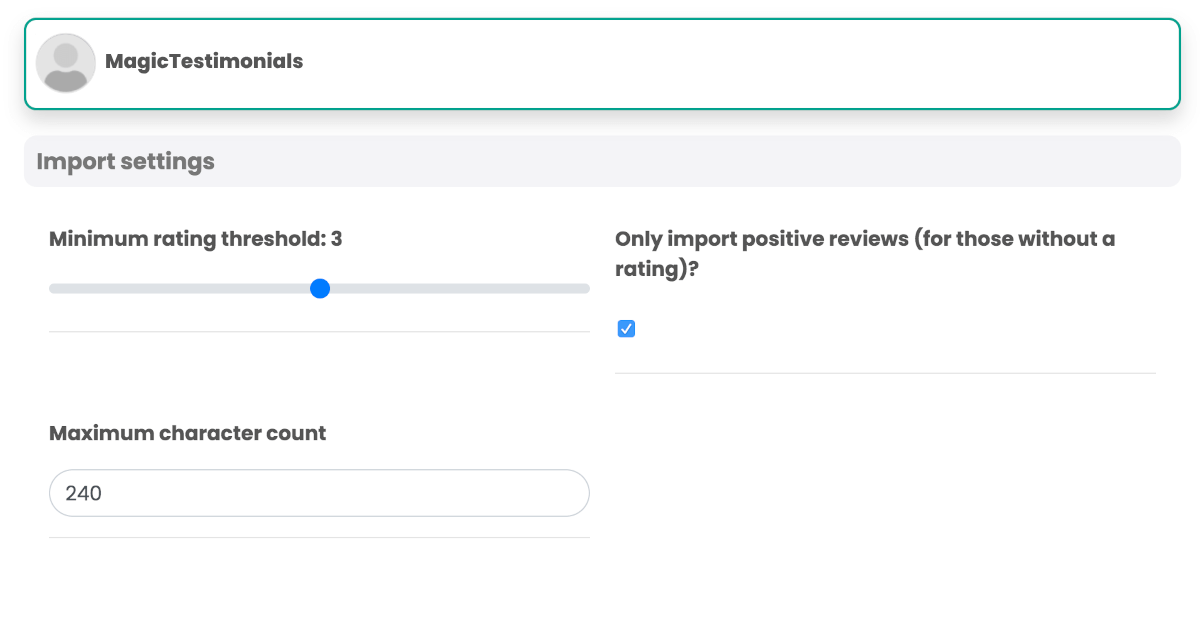
Once you’ve selected a page, reviews that match your settings will populate below. Adjust your settings to filter out any unwanted reviews.
Finishing up #
Once you’re happy with your import settings you don’t have to do any thing else in order for reviews to start importing — they will automatically pull through within the hour.
However if you’d like to import testimonials now, click the “Import testimonials” button and the reviews that are displayed will import to your testimonials page.


