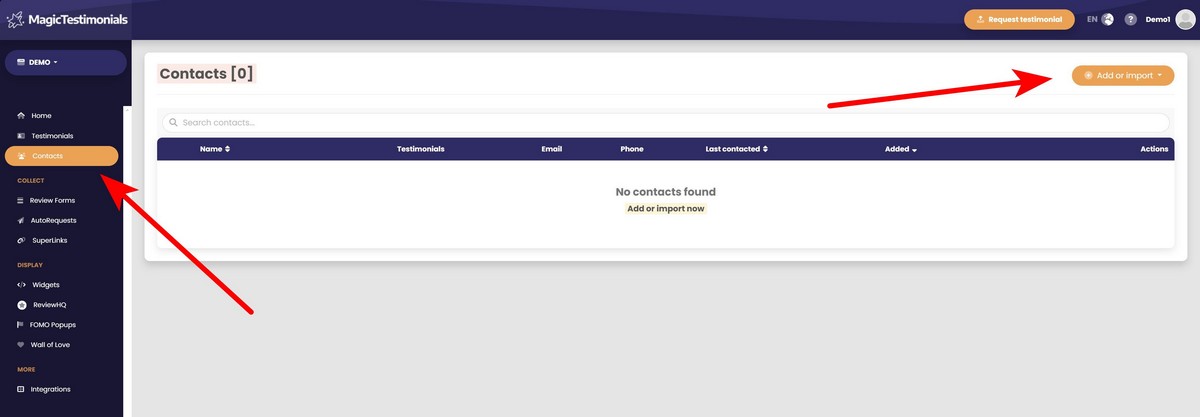
Go to the Contacts page and click the “Add or import” button.
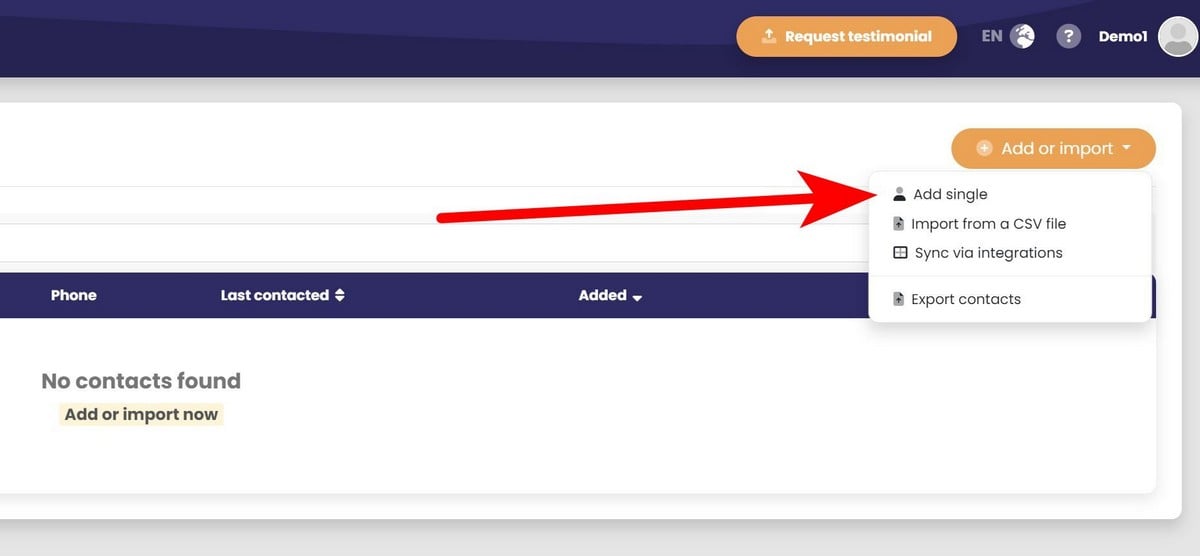
After that, select “Add single”.
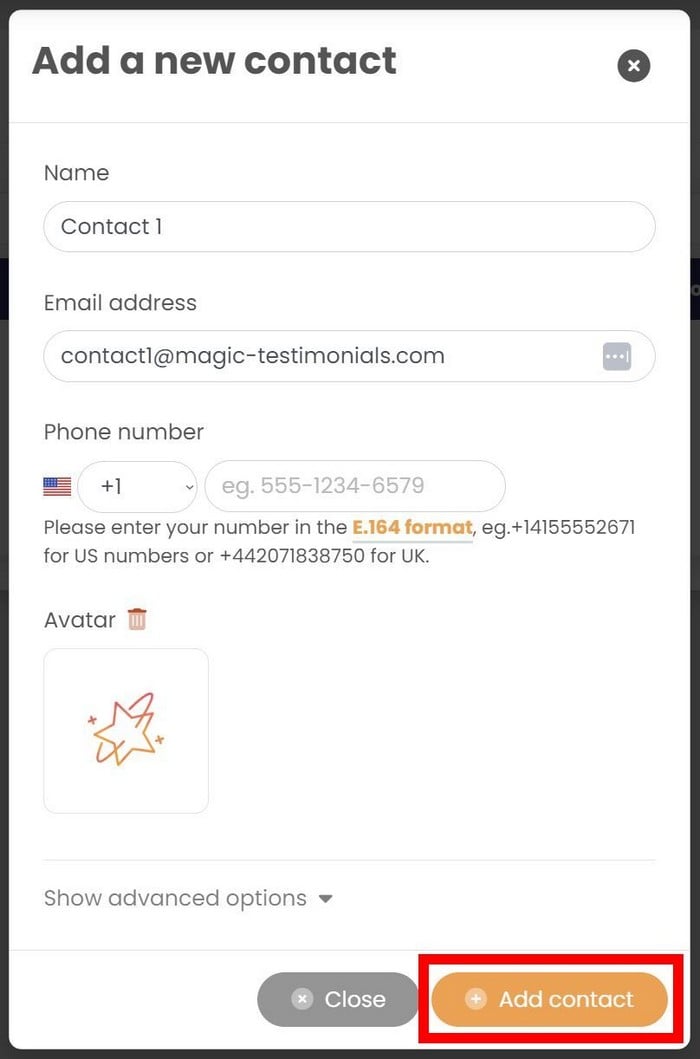
The new popup will be opened. Here you can enter the contact’s information. Also, you can show advanced options to enter additional information like location, position, company, or website.
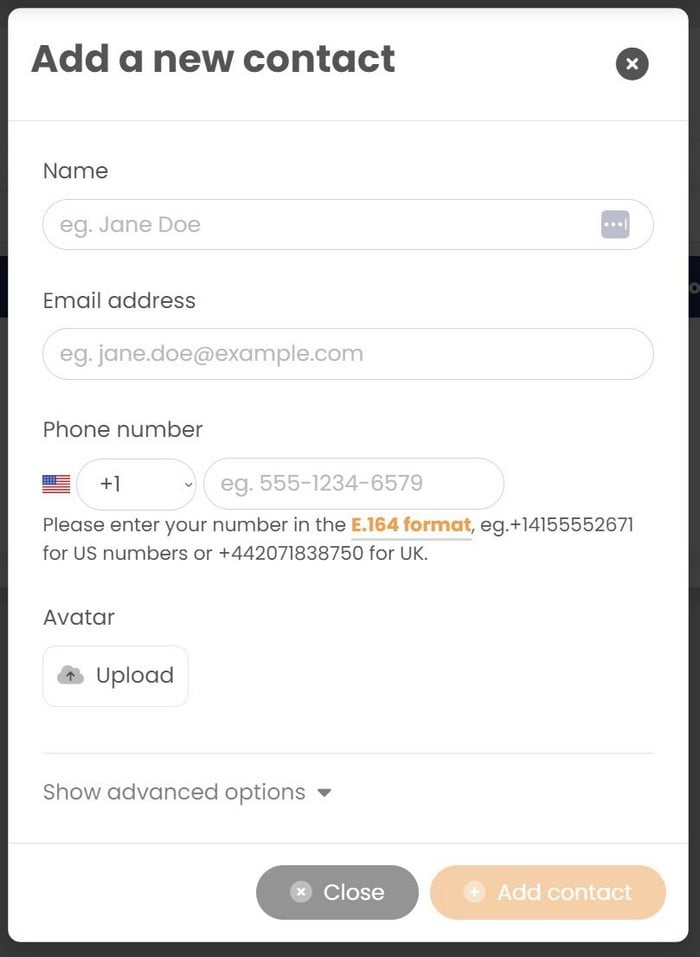
When you have entered contact’s information, click on the “Add contact” button.
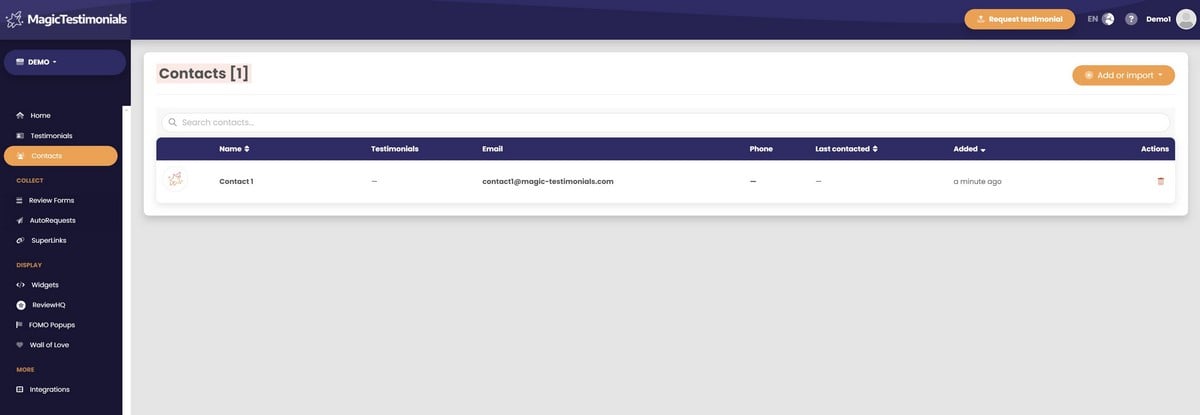
Congratulations, you added your first contact to the list! It should appear on the Contacts page.