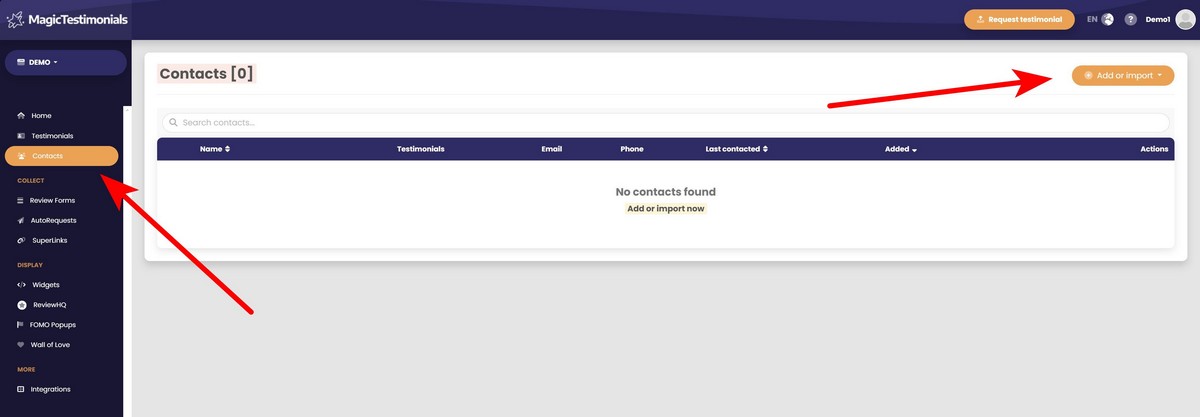
Go to the Contacts page and click the “Add or import” button.
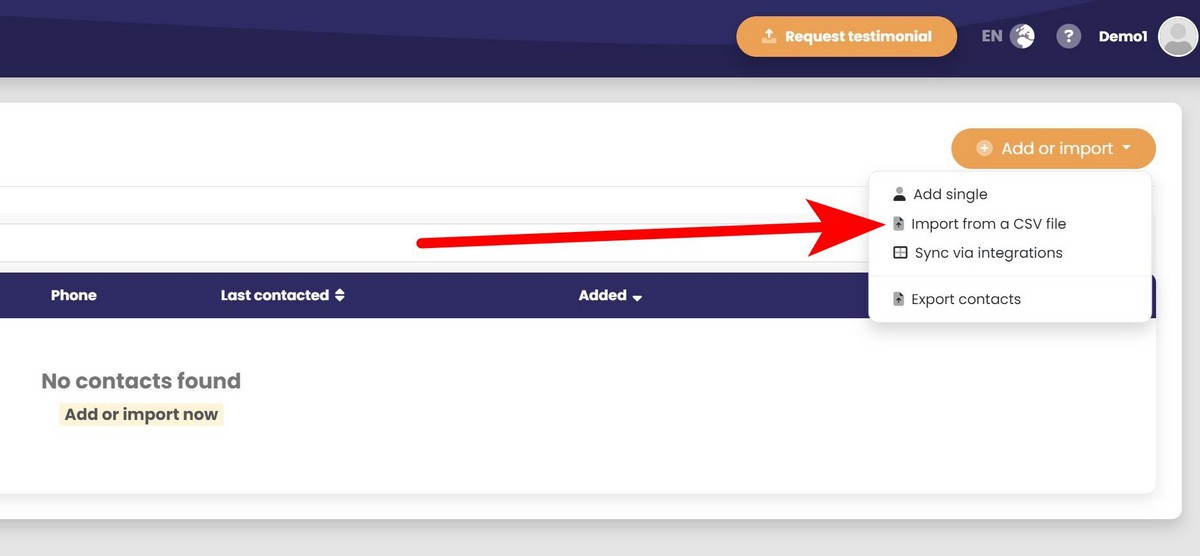
After that, select “Import from a CSV file”.
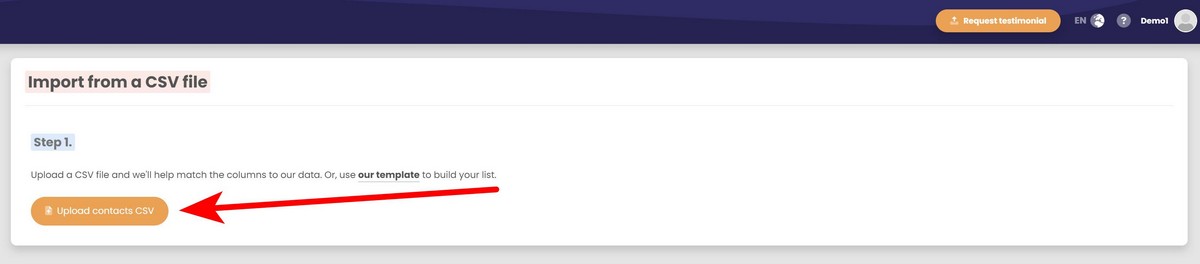
Upload your CSV file or use this template to build your list.
After uploading CSV file, you have to match the data from that file. If you used our template, your data will be matched automatically.
You can always check if your data was matched properly if you look at the preview on the right side of the screen. This is an example of what would it look like:
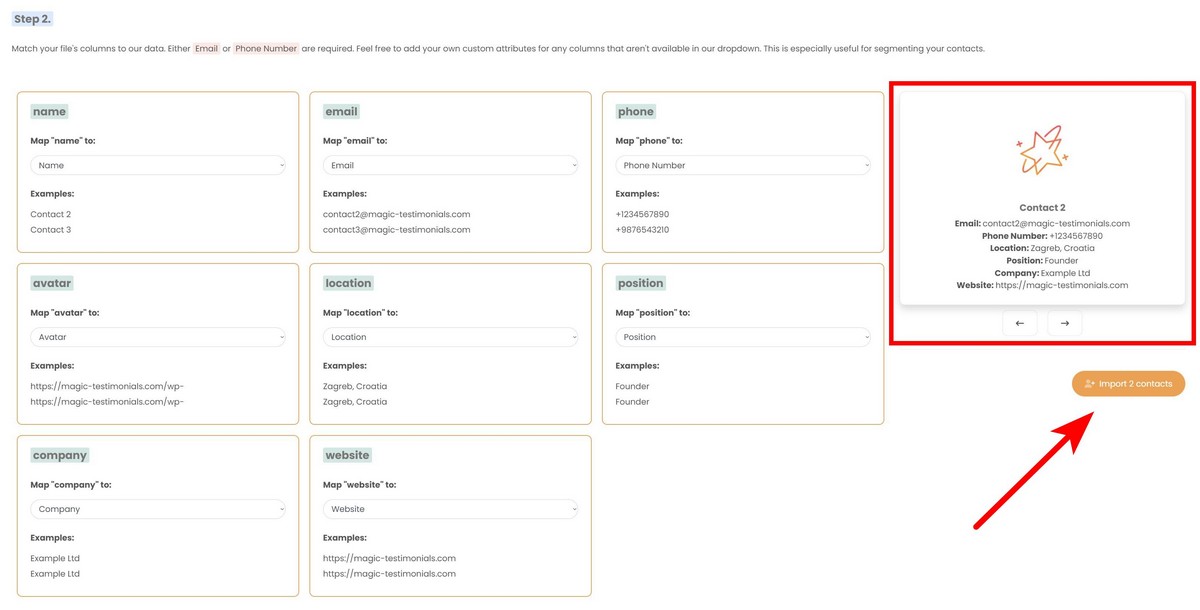
If everything looks fine, click the “Import contacts” button.
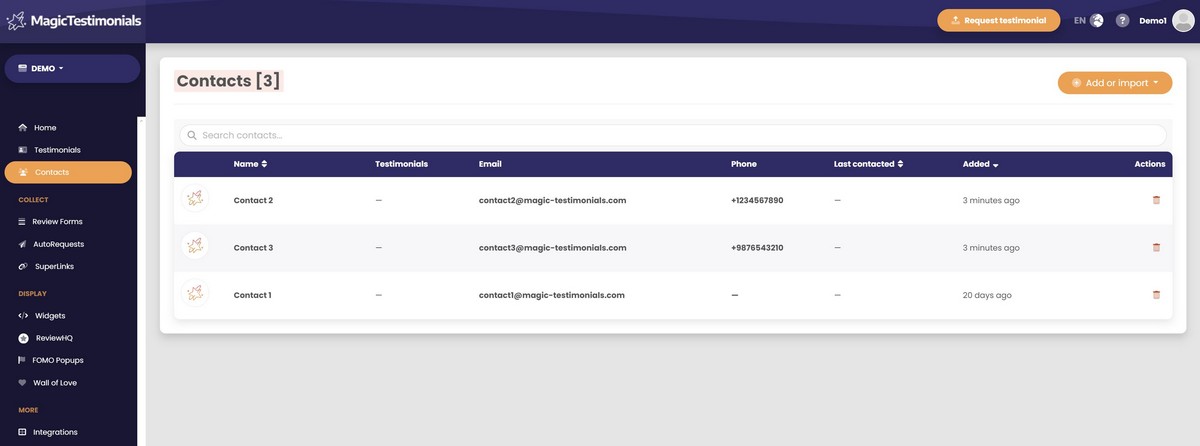
Congratulations, you imported your contacts to the list! They should appear on the Contacts page.